Byron Arnao
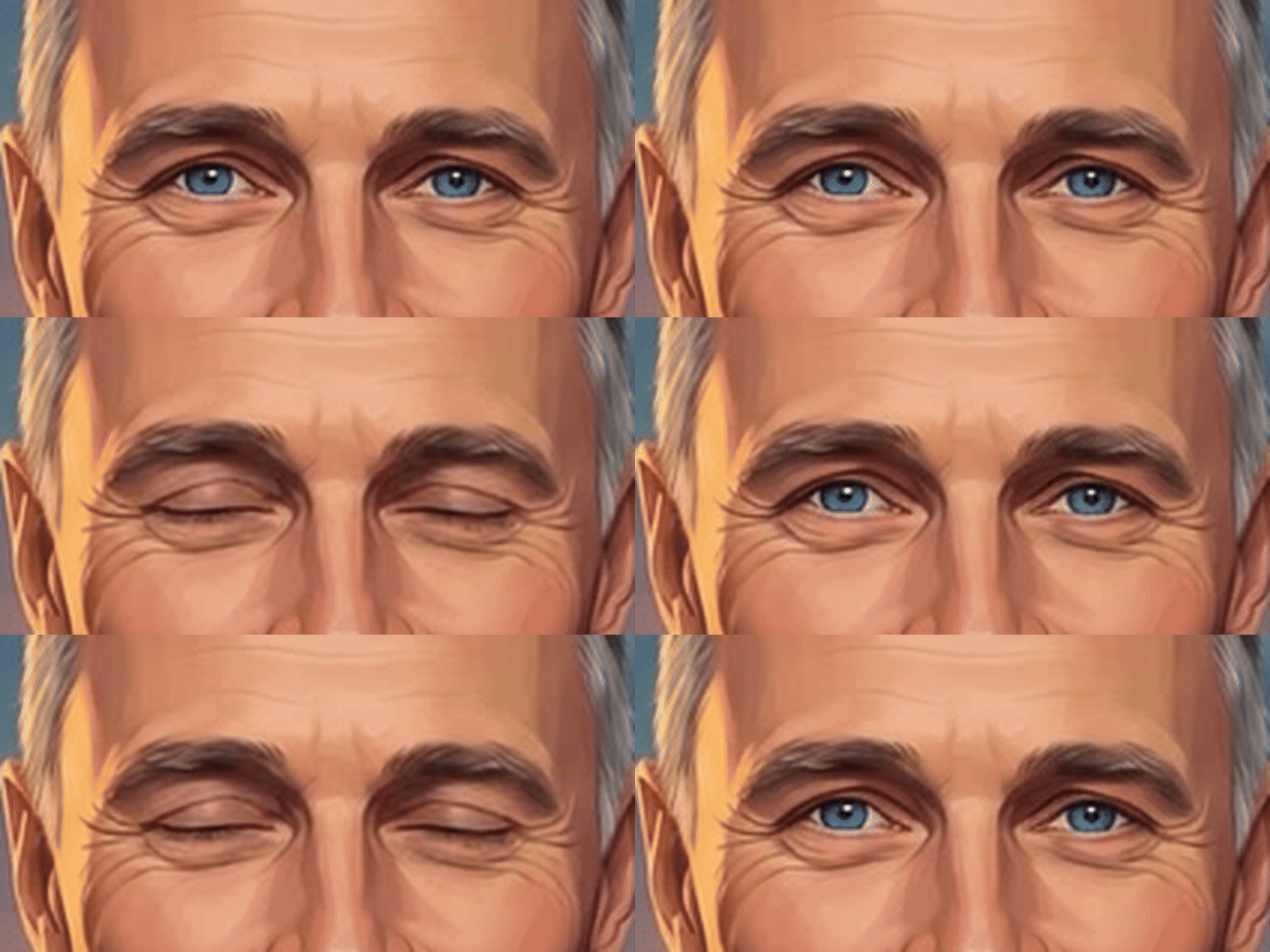
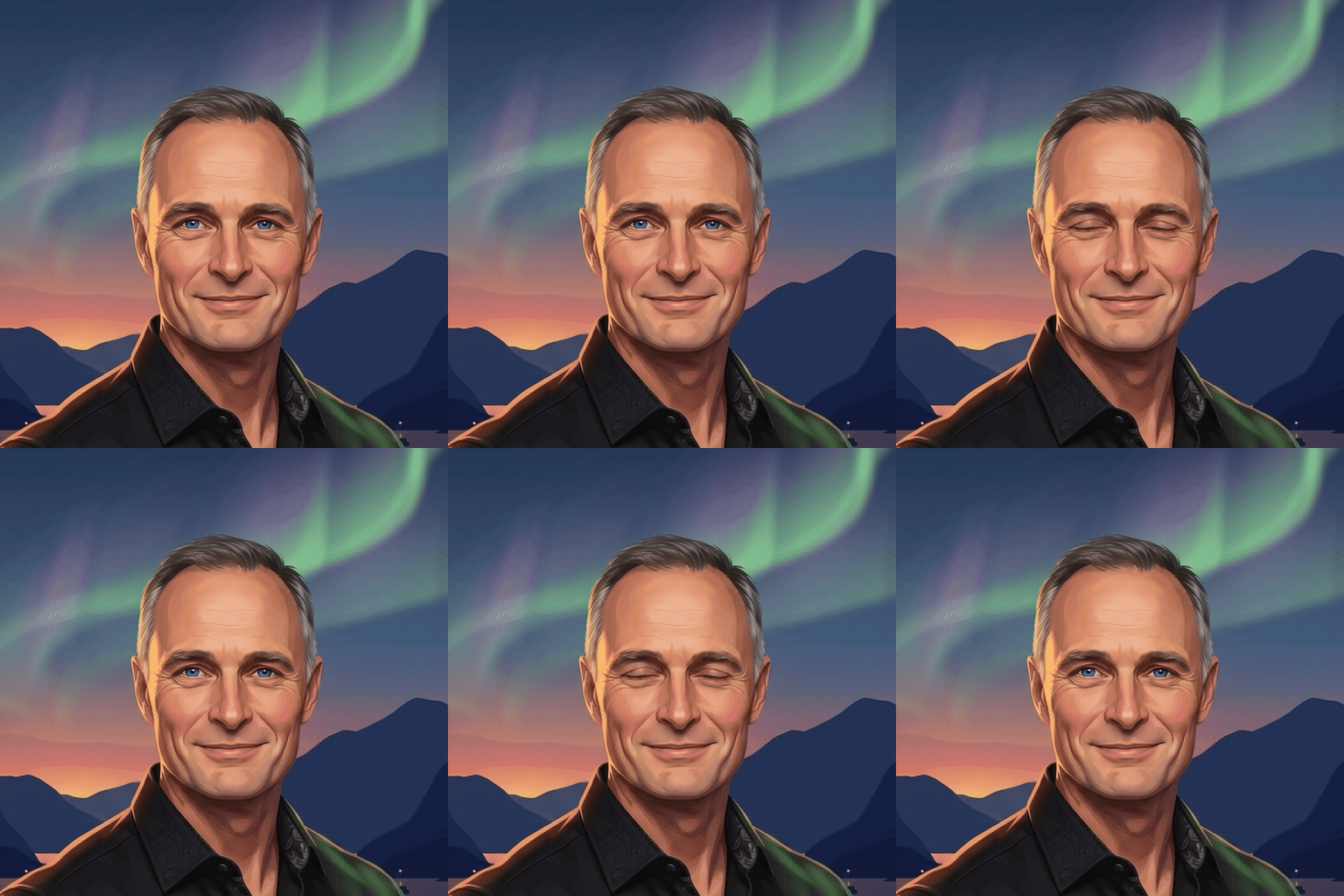
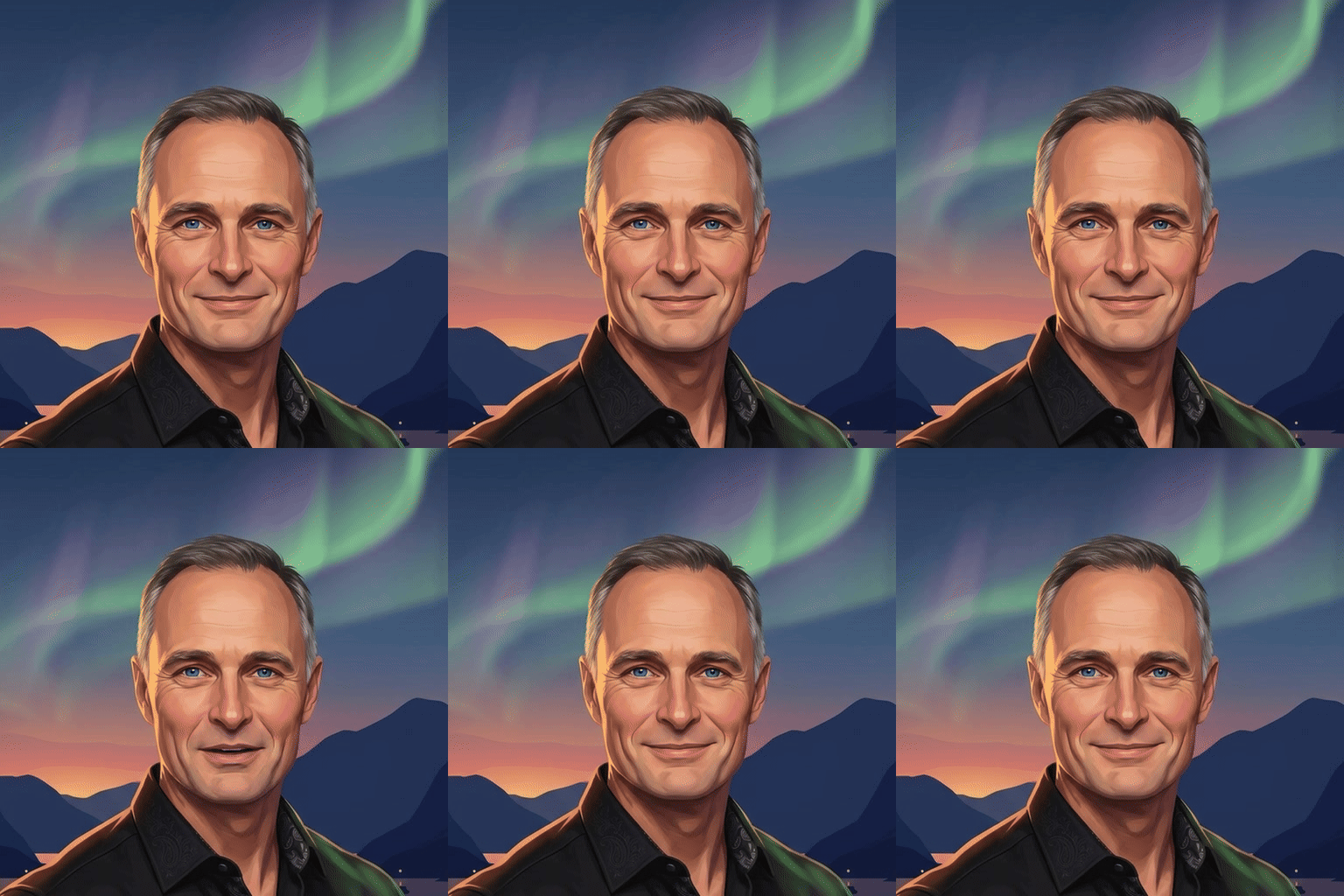
The aurora portrait. Watch the eyes: it blinks, so subtly most people miss it the first time.
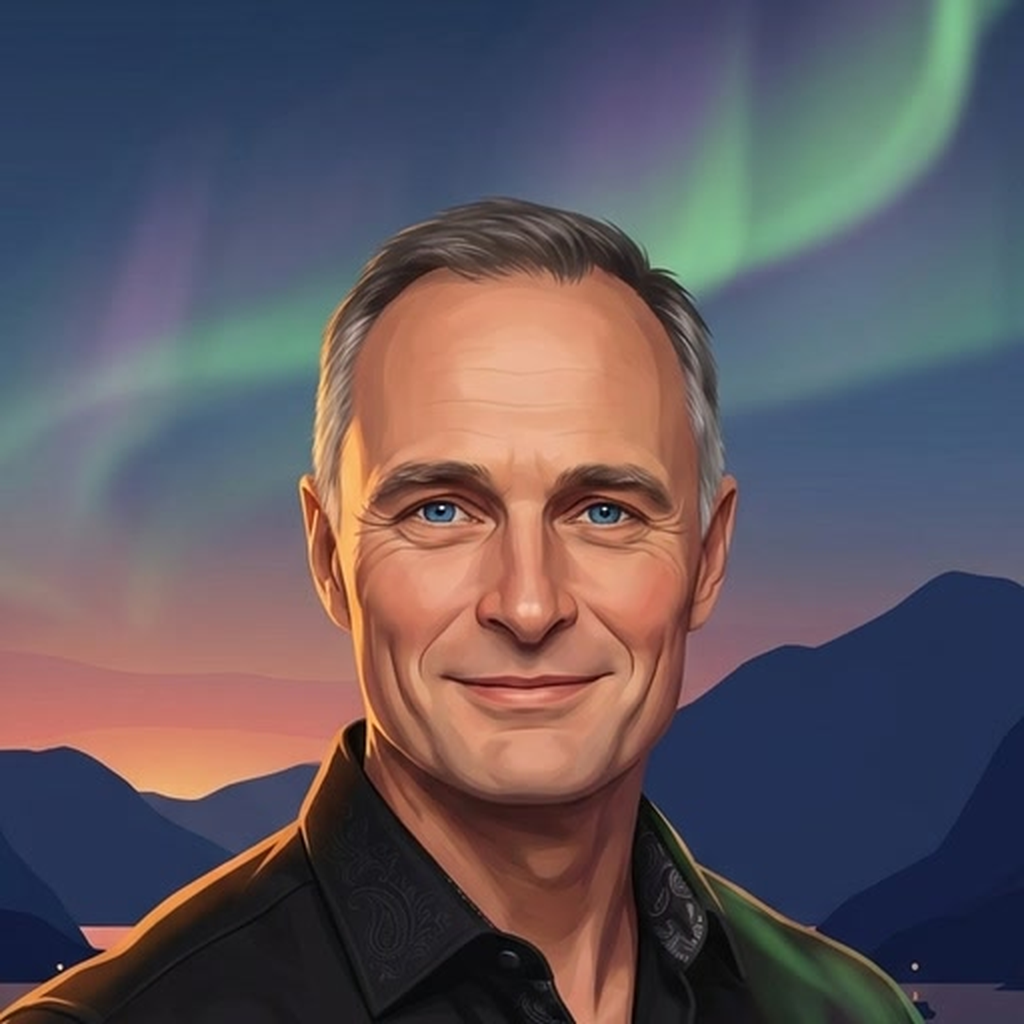
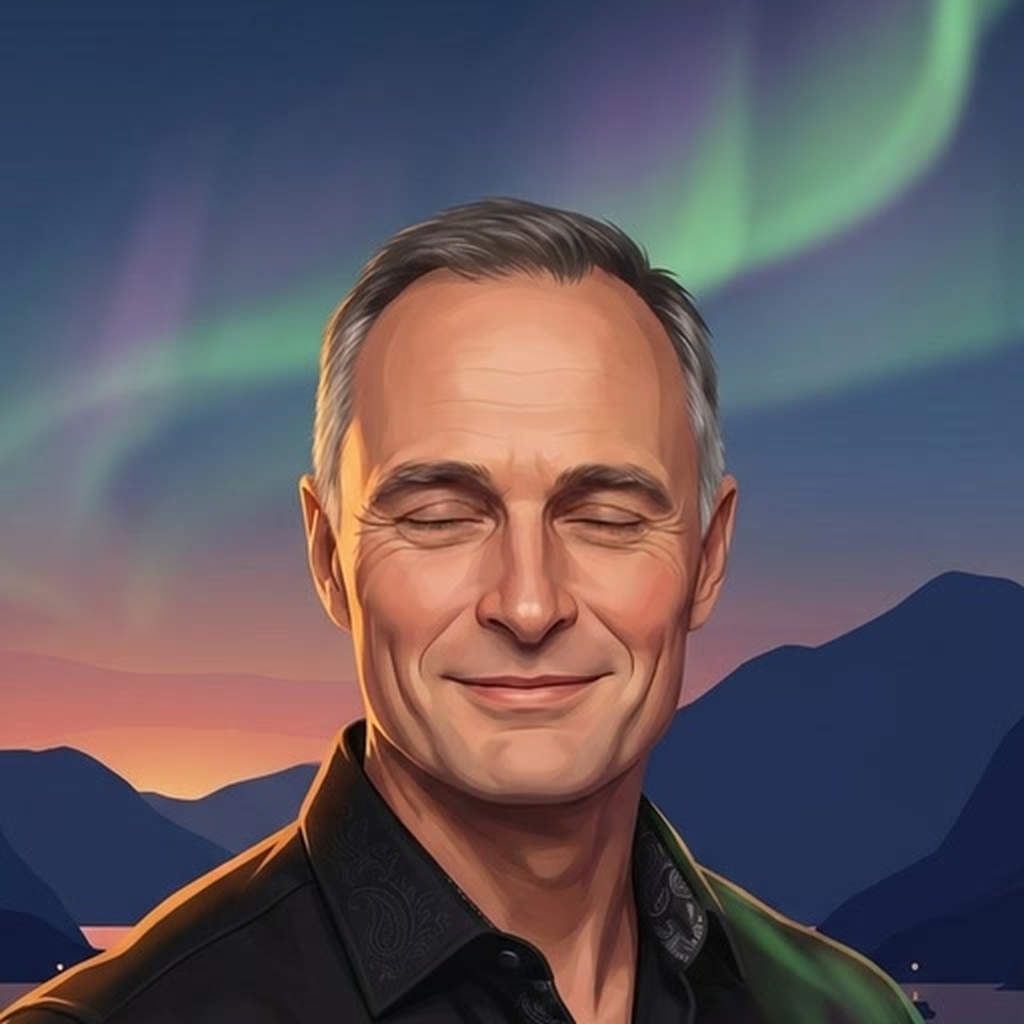
Live: one blink, a pause, then a quick double blink. Six-second loop.
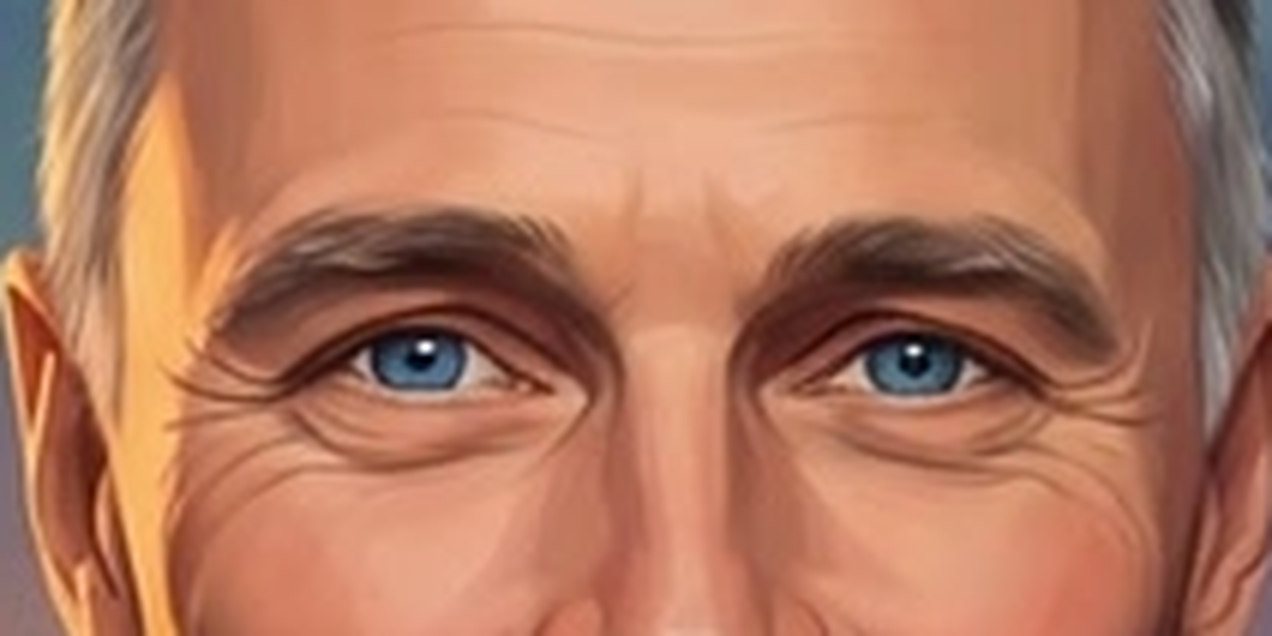
The eyes, up close
The detail that makes it: the blink, enlarged so you can see it at scale. Good as a teaser frame or an opening beat in a talk.
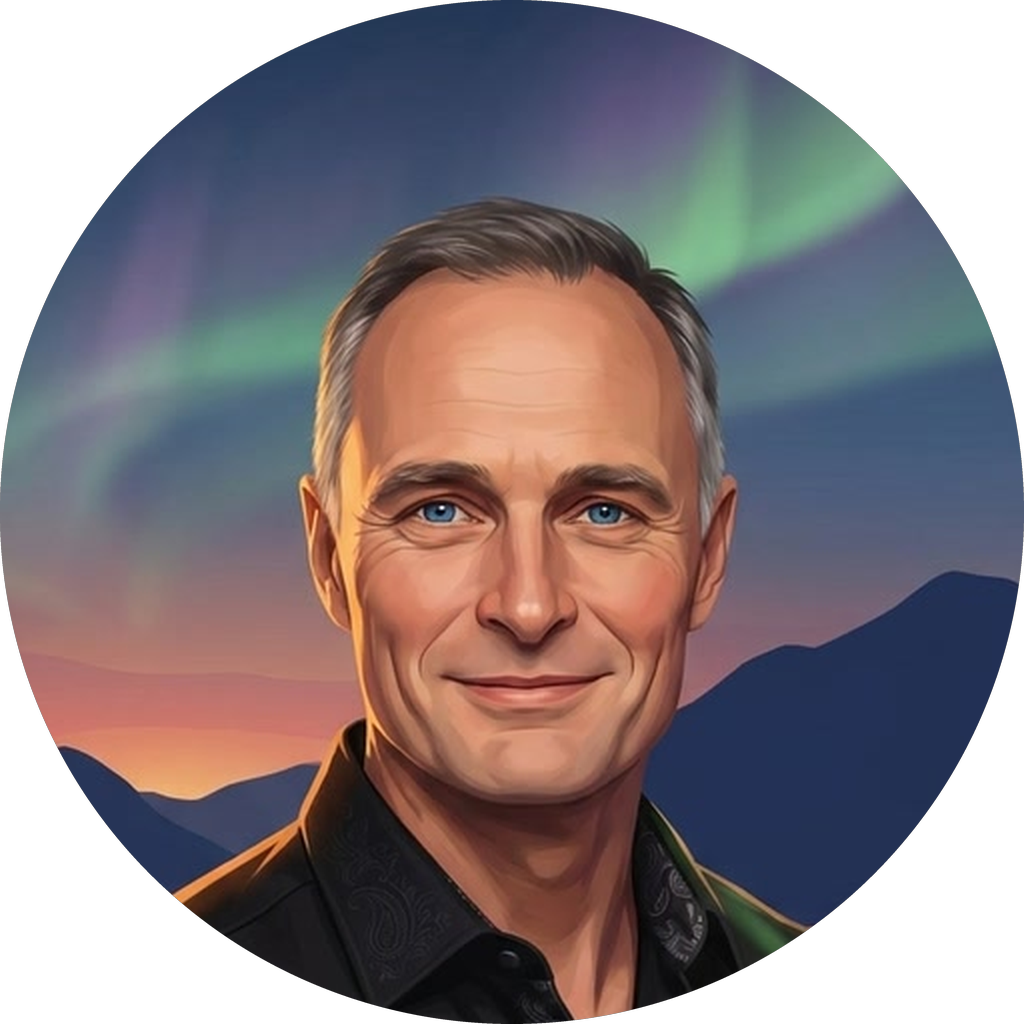
Stills
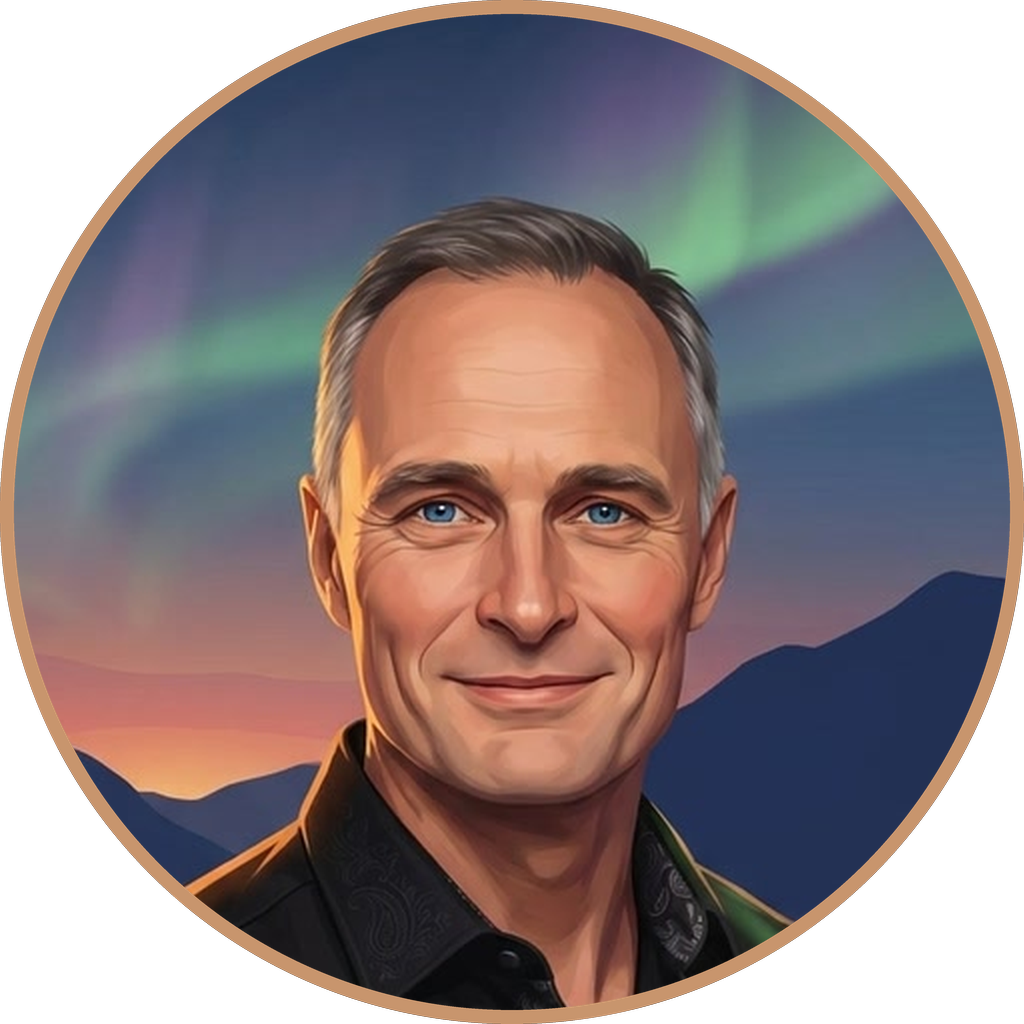
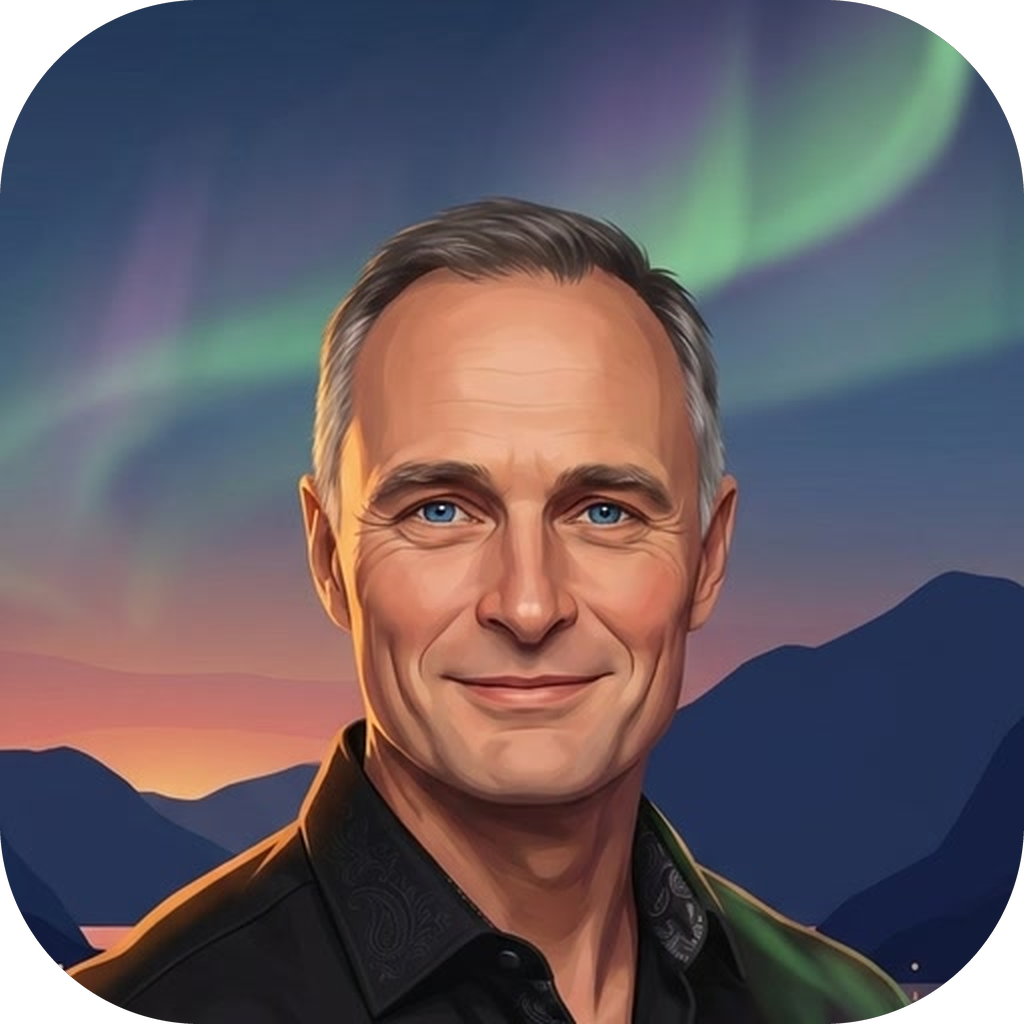
For profile pictures, slide corners, email signatures, and anywhere a round or square avatar goes. Circle PNGs have a transparent background.
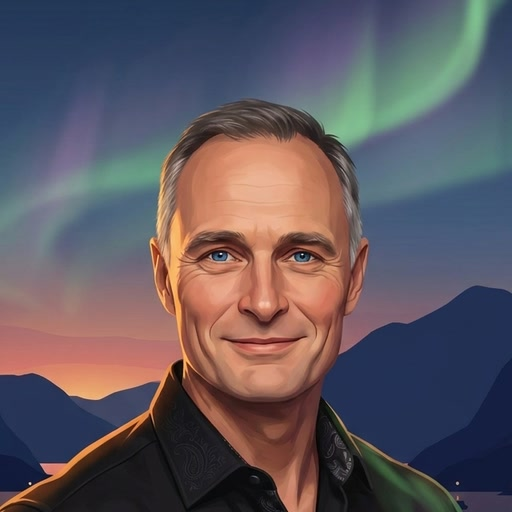
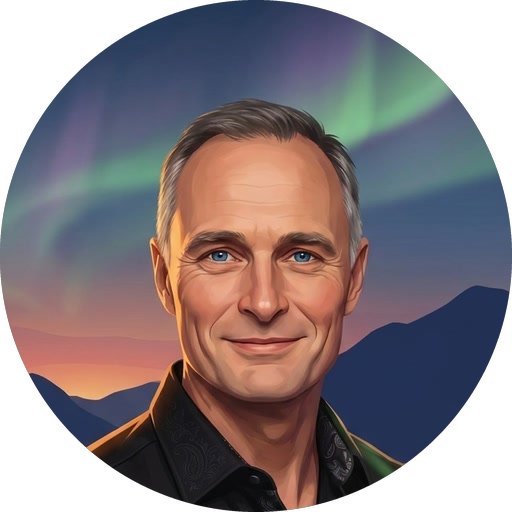
Small sizes and favicon


Animated
PowerPoint and Google Slides: use the MP4 or GIF. Keynote: the transparent MOV keeps the circle with no background. Web pages: the transparent WebM.
Lockups
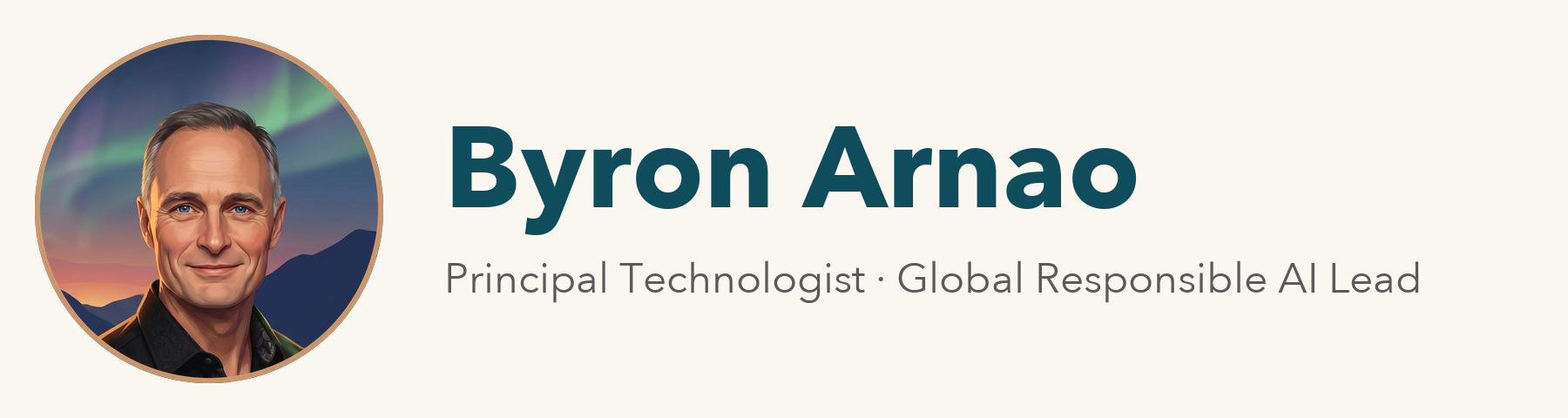
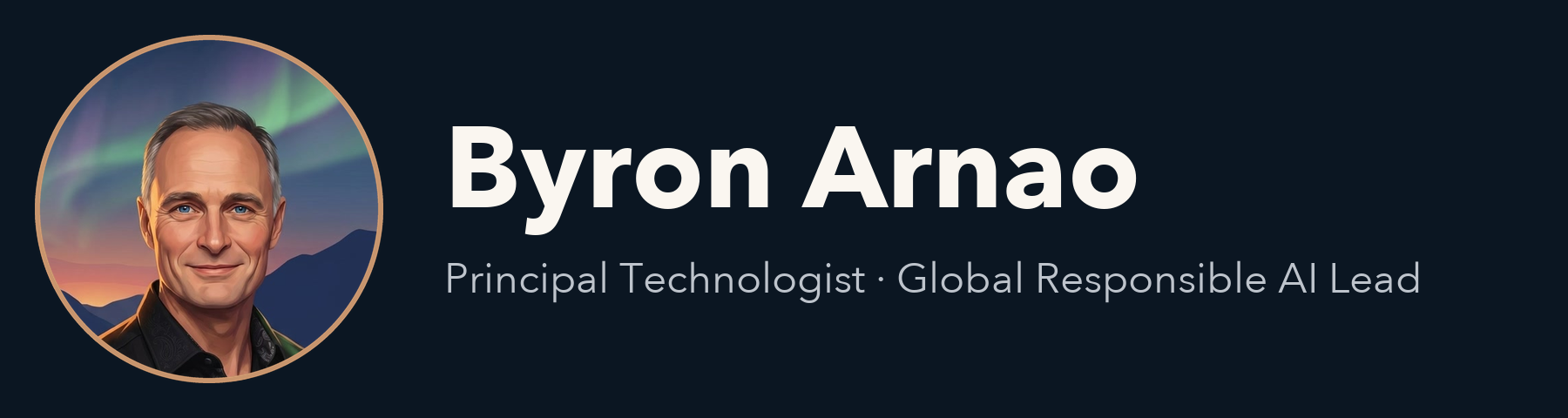
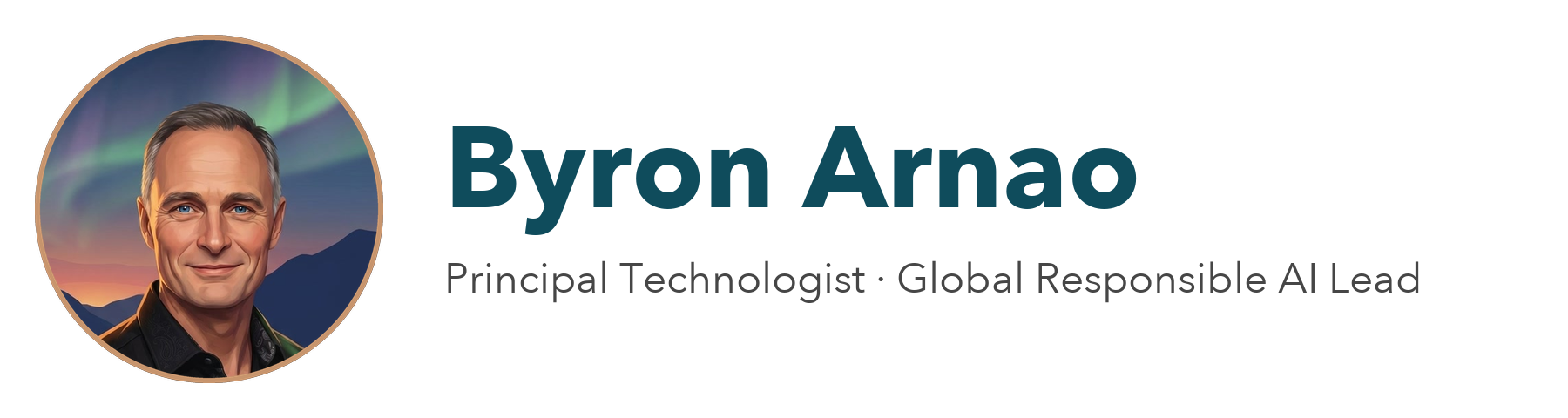
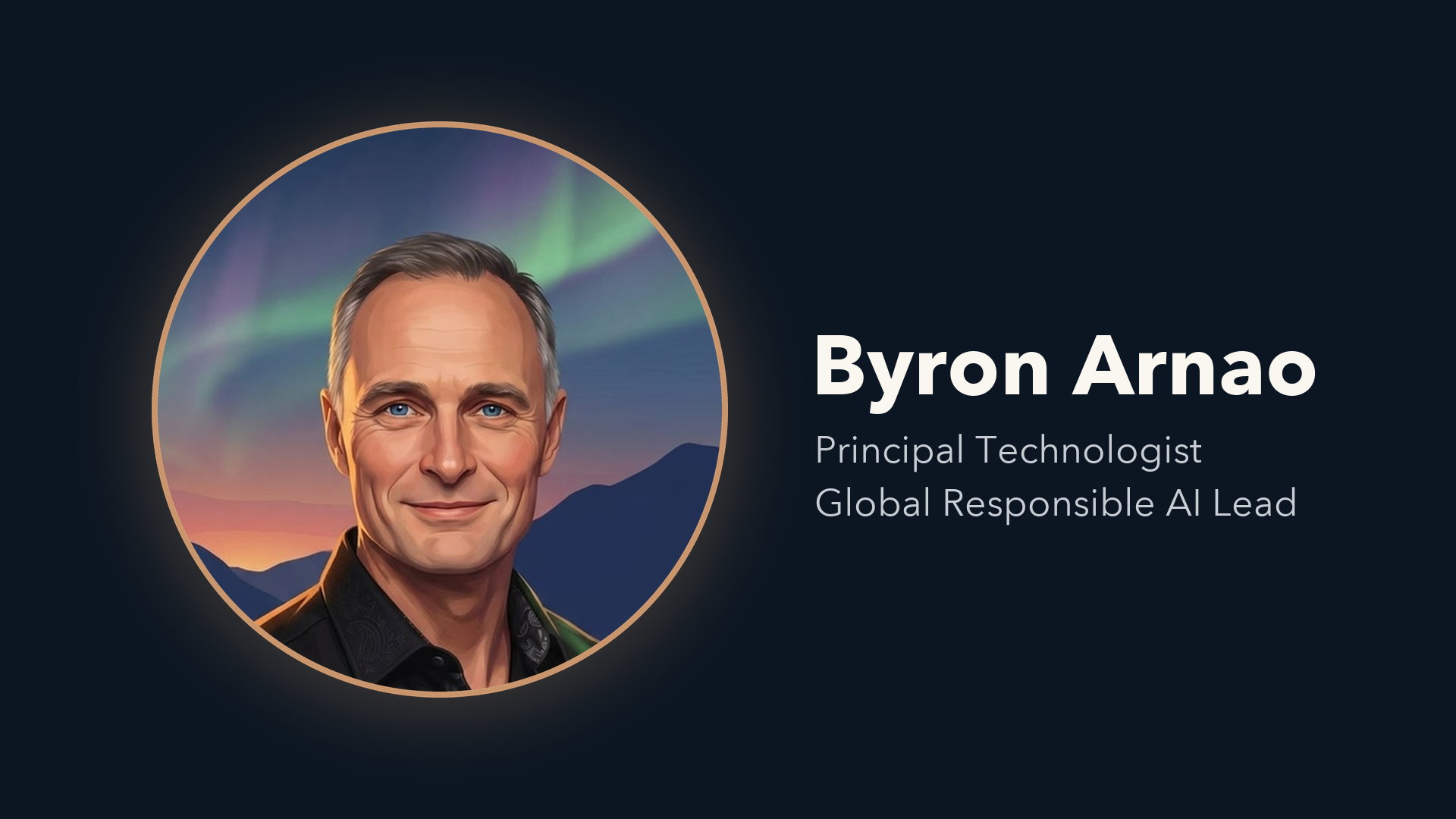
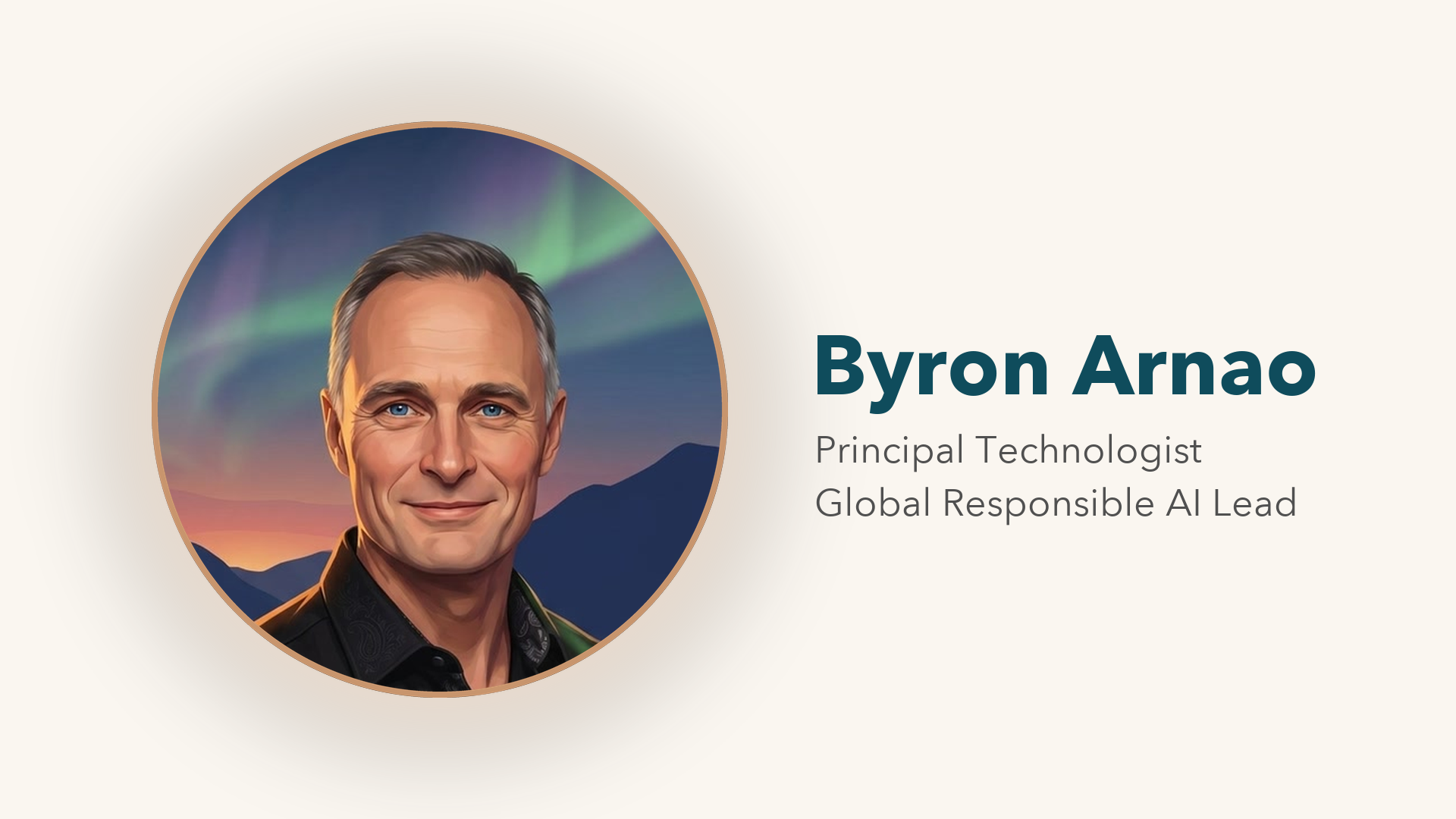
Mark plus name and title, for slide footers, email signatures, and title bars. The transparent versions sit on any background.
Slide cards
Full 16:9 title cards (1920 × 1080). Drop the PNG in as a slide background, or the MP4 for one that blinks while you're introduced.
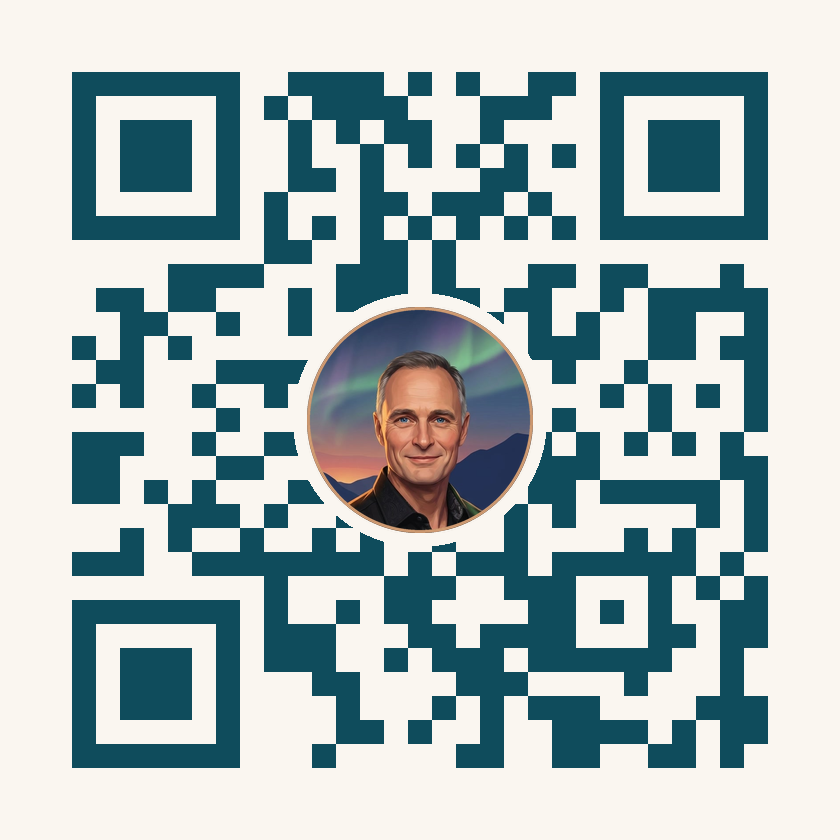
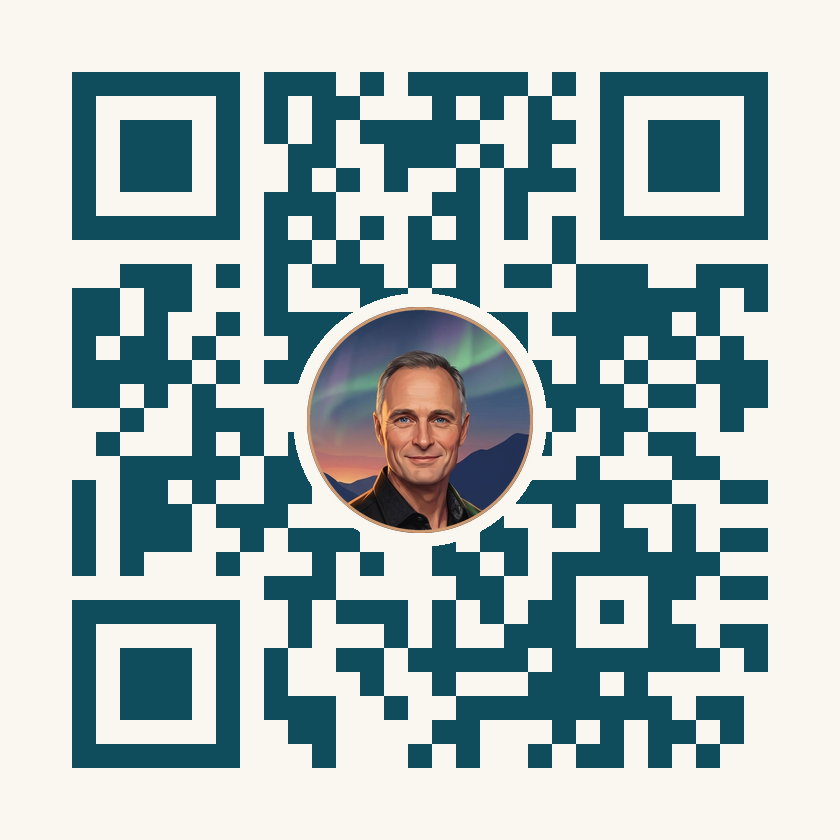
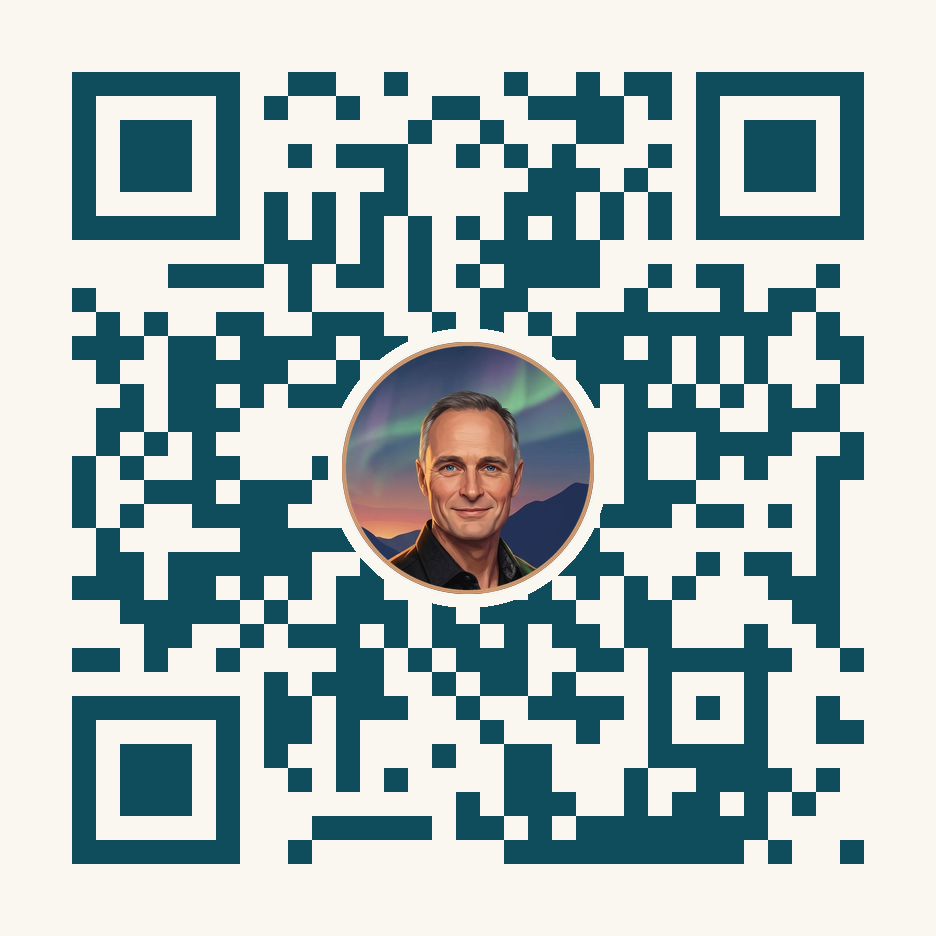
QR codes
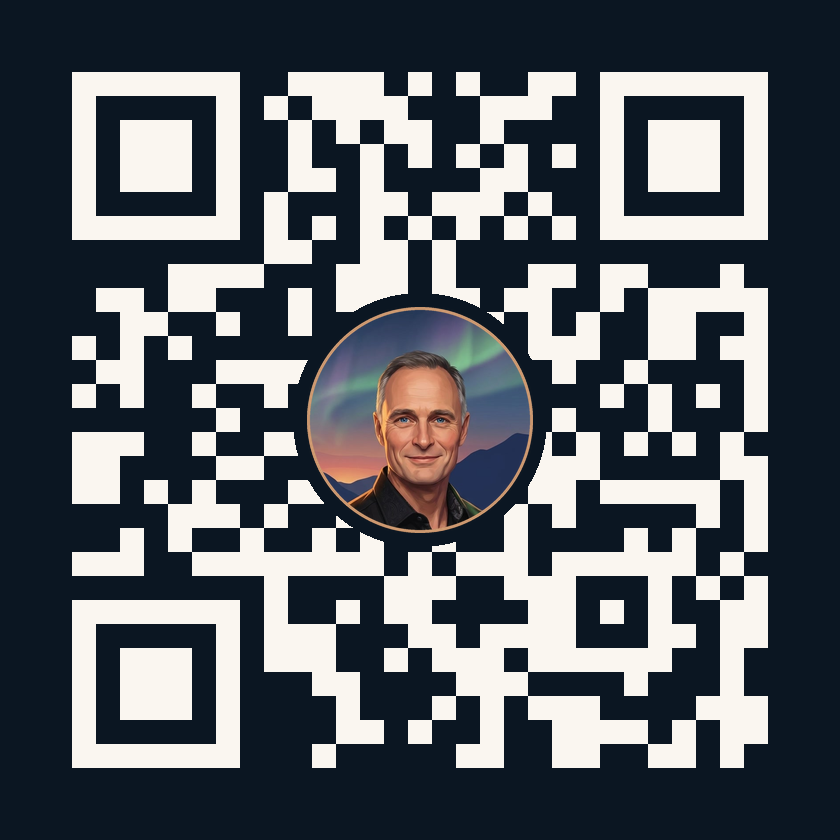
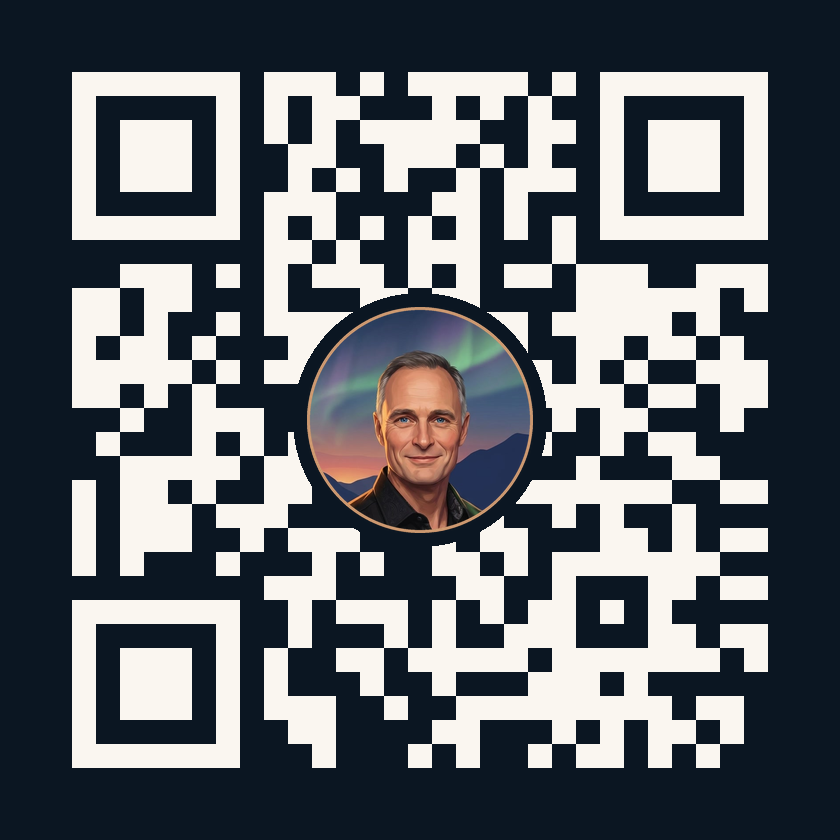
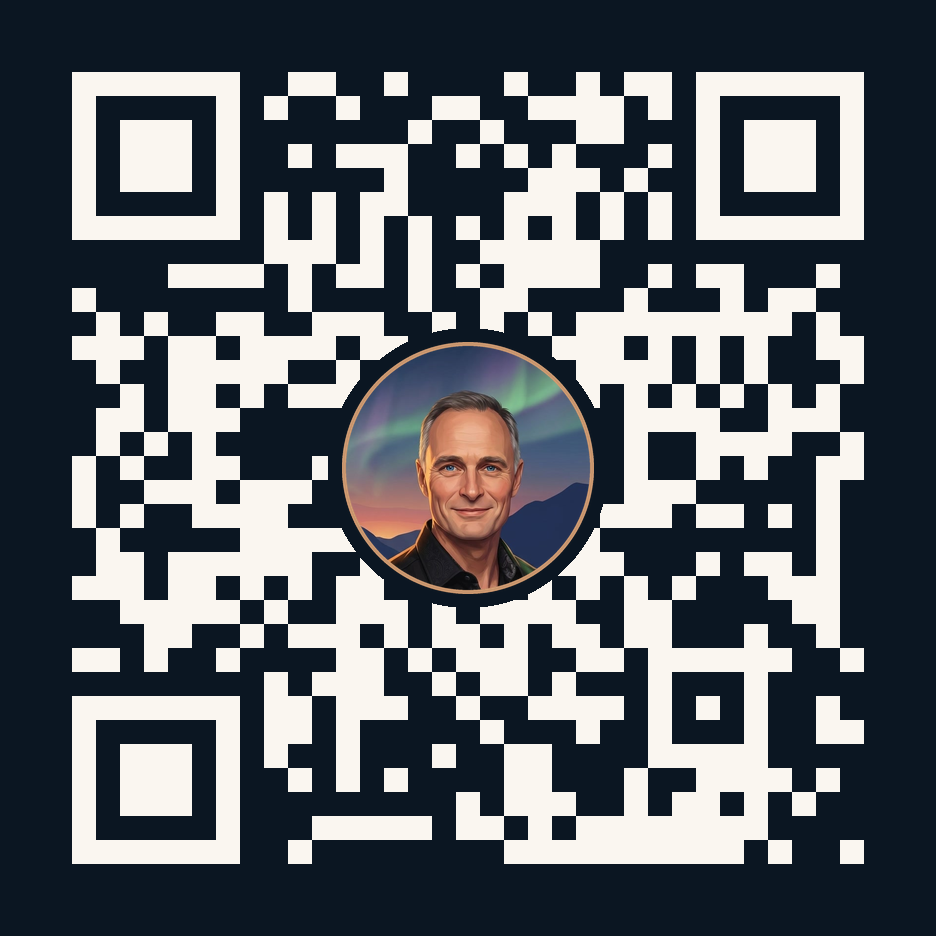
The mark sits in the middle; the codes use high error correction, so they still scan. Every one was tested by decoding it. Put one on the last slide or a printed badge.
Everything in one file. Every still, animation, lockup, slide card and QR code on this page, about 11 MB.
Download the kit